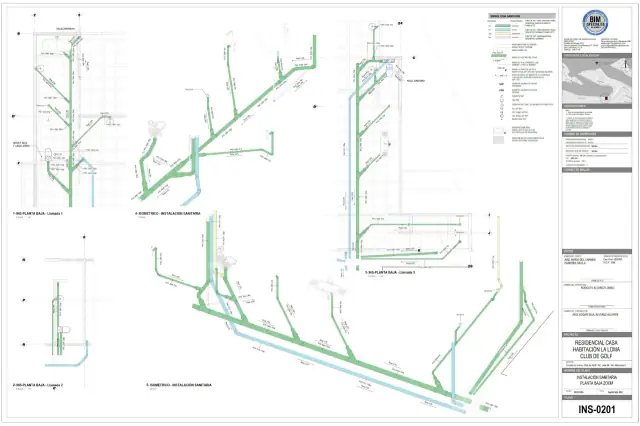
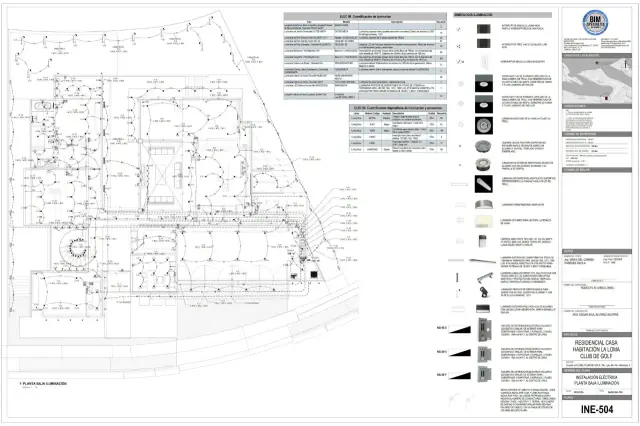
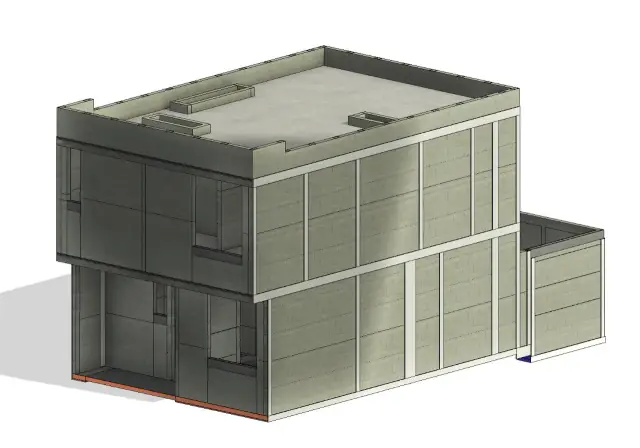
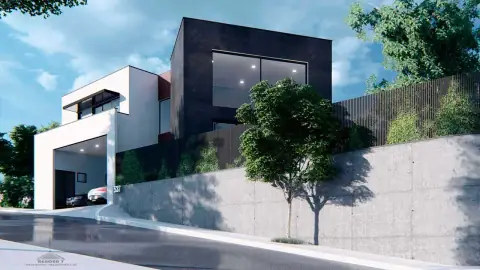
Membership · Render 7 School

AcademiaRevit Total + AI

Online Revit courses by discipline, work templates, a forum with instructors and the BIMPro Library plugin for your families. One membership, monthly or yearly. Courses are taught in Spanish.

13 courses
in the Advanced plan
Forum with instructors
in every lesson
From 220 MXN
a month (about 12 USD), cancel anytime
What is inside

A training hub to build with BIM

Joining the academy means having everything you need to get started in one place, plus guidance while you build real projects with Revit and BIM. You are never on your own.

  • Basic and Advanced

    Revit courses

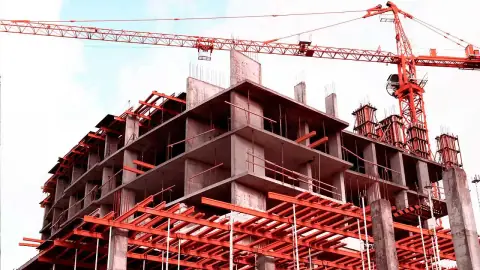
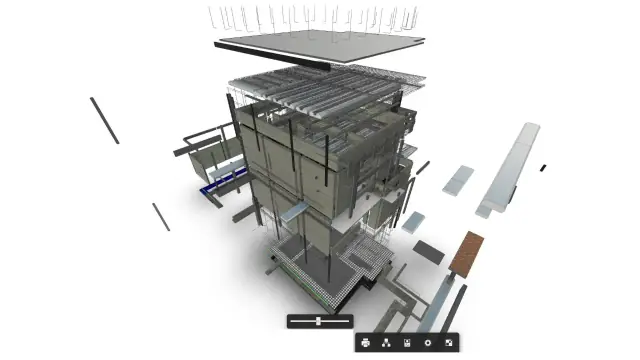
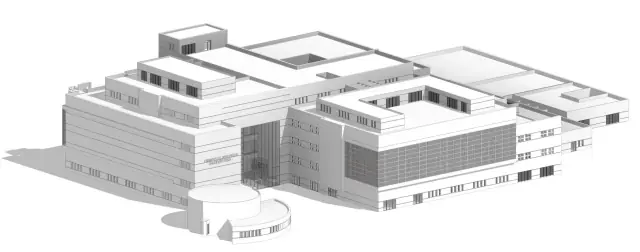
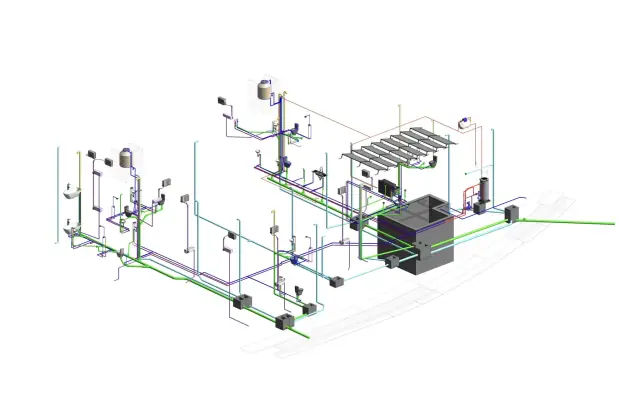
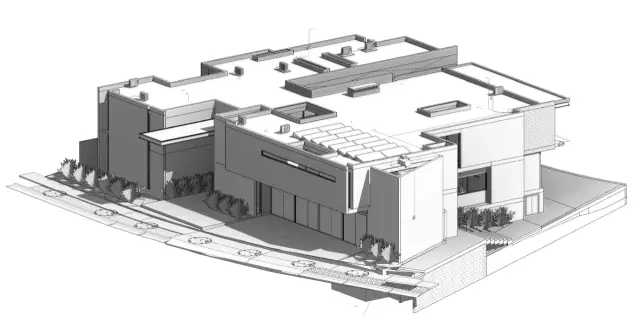
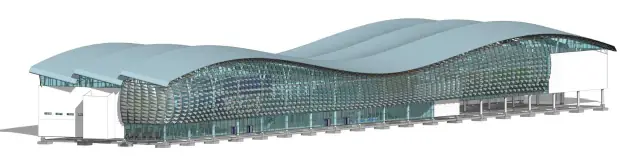
    Professional Revit and BIM training: architecture, structure, building services, lighting and rendering. All focused on modeling and documenting real construction projects.

  • Basic and Advanced

    BIMPro Library plugin

    Families are the soul of your project. Get them native, light, organized and with a preview inside Revit. Missing one? Request it from the panel and we let you know when it is ready.

    Discover the plugin
  • Basic and Advanced

    Revit templates

    Light templates with the settings that speed up your work, by project type. So you never start from scratch.

  • Basic and Advanced

    Forum with instructors

    Every lesson has its own forum. Post your question, an instructor answers and you get an email notice.

  • Advanced only

    Live sessions and advice

    Architects developing Revit and BIM projects live, plus free advice as a member of the academy.

  • Basic and Advanced

    Technical library

    Standards, manuals and e-books for your projects: lighting standards, BIM standards and guides for your BEP (BIM Execution Plan).

  • Basic and Advanced

    Certificate per course

    When you finish each course you get your certificate, which proves you completed it and have advanced training in that Revit topic.

Included in your membership

BIMPro Library

Families that stay light. Projects that move forward.

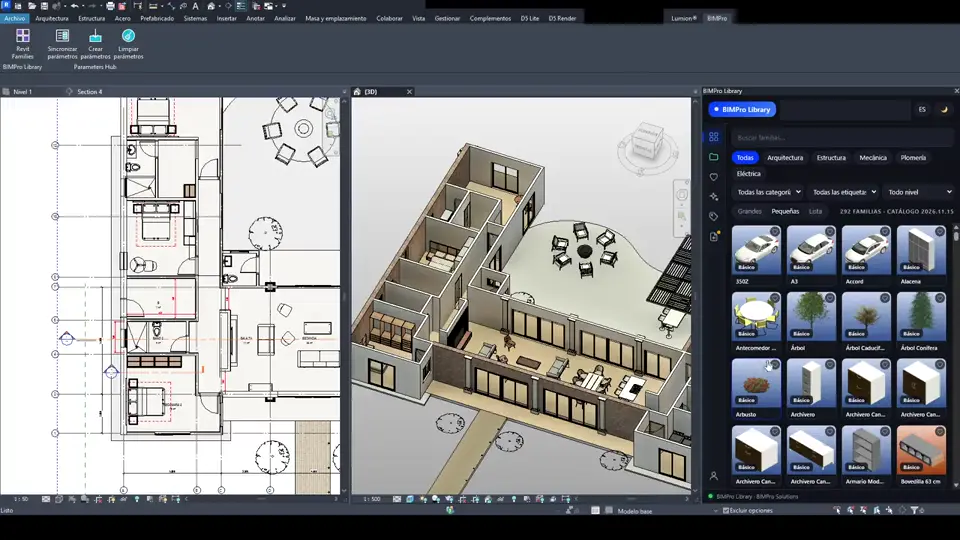
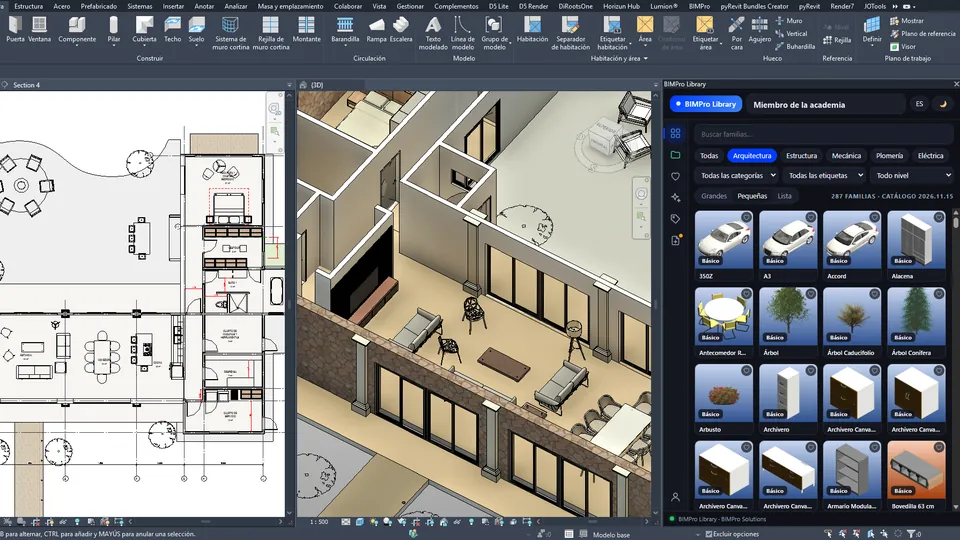
Families are the soul of your project: Revit without families is nothing. BIMPro Library is the panel inside Revit where all your families live in one place, organized, clean and useful.

The problem

Hundreds of messy families with no preview, many imported from SketchUp or AutoCAD. Hours spent downloading, checking and cleaning, bloated models and broken families that can damage your project.

The solution

Native Revit families, light and clean, built by a team with years of delivering construction documents. They are not there to decorate: they are there to move your project forward much faster.

Video: how BIMPro Library works inside Revit
  • A preview of every family

    See it as a thumbnail in the panel. Like it? Place it. No folders to open.

  • Every discipline

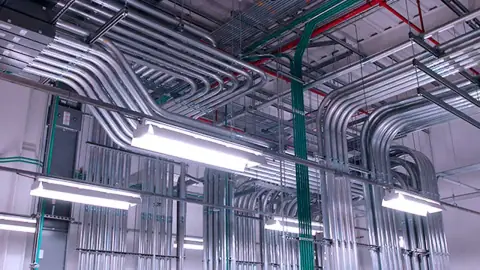
    Architecture, structure, mechanical, electrical and plumbing. Not just furniture.

  • Favorites and collections

    Save the ones you use most, for example “Tulum House”, always at hand.

  • New families every week

    Families for real projects, not just furniture. They reach your panel every week and you use them without leaving Revit (Advanced plan).

Family requests

Can’t find the family you need? Request it without leaving Revit.

It is like having a senior modeler at your service. Enter the family details, attach a photo or the PDF data sheet and send the request. Our expert agents do the work for you.

  • Parametric: change dimensions and other elements
  • With material parameters
  • Data sheet and technical data inside the family
  • Information organized following ISO 19650 criteria
  • On both plans, with monthly credits based on your plan (sending from the plugin: coming soon)

For BIM managers, teams and anyone in the middle of a project: request the family you need and find it ready in your panel. You never stop working.

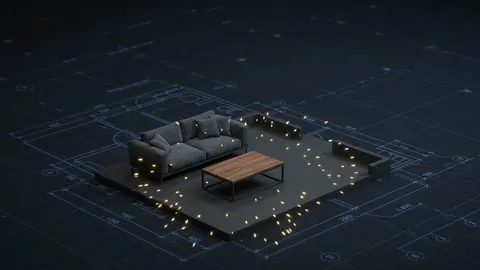
Animation: a sofa and a table take shape over a floor plan
  1. Describe and attach

    The family details, plus a photo or the PDF data sheet.

  2. Your family is created

    Our expert agents model it for you to a professional standard.

  3. We notify you in the panel

    Open your requests, click, and place it or review it in the editor.

Included in your membership

Professional templates + BIMPro Library

Cargo truck or sports car? You choose how you reach the deadline.

The membership includes our professional templates for construction-document projects in Revit. Each one comes configured with everything you need to work smoothly from day one.

  • Architecture

    Ready to design and document your project.

  • Structure

    Configured to model and document the structure.

  • Plumbing and sanitary systems

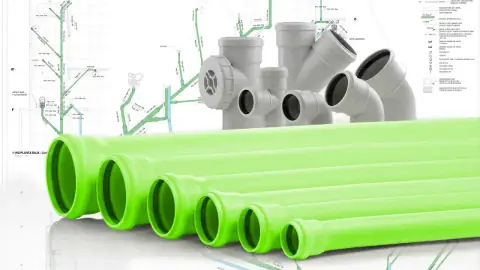
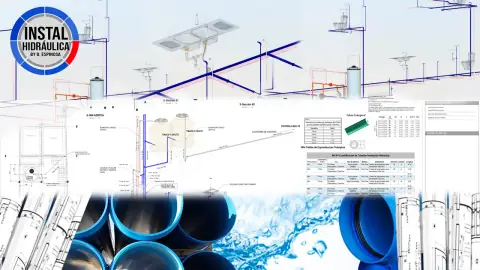
    Systems and settings ready to model piping.

  • Electrical, per Mexican NOM standards

    To design and calculate your electrical systems.

The myth of the “everything” template

Templates loaded with hundreds of families of every kind are promoted online. It is a mistake nobody tells you about: the model gets heavier, your computer slows down, collaboration gets harder and, if you purge, you may lose something important. Working like that is like making your deliveries in a cargo truck.

Our way: sports car + agile warehouse

Our templates are the sports car: light, configured and with full power to race to the deadline. Families do not ride inside: they wait in a materials warehouse with an agile courier that brings exactly what you ask for. That warehouse is BIMPro Library.

Plans

Choose your plan

Both plans include courses, templates, a forum with instructors and the plugin. Change plans or cancel from your customer portal.

Basic

To get started with Revit and model your projects with guidance.

220MXN/mo

Billed every month

Fixed price in Mexican pesos, about 12 USD/mo. Your bank converts it.

2,420MXN/yr

Pay yearly and save one month

  • 6 online courses
  • Access to the BIMPro Library basic library
  • Custom family requests with monthly credits
  • Up to 4 collections to organize your families
  • Basic templates to start your projects
  • Q&A forum with instructors in every lesson
  • Certificate when you finish each course
  • Downloadable standards, manuals and BIM guides
  • Plugin for Revit 2025, 2026 and 2027
Join nowSee which courses are included
Most popular · Full BIMPro Library included

Advanced

Every course, the full library and live guidance.

440MXN/mo

Billed every month

Fixed price in Mexican pesos, about 24 USD/mo. Your bank converts it.

4,840MXN/yr

Pay yearly and save one month

  • All 13 courses in the academy
  • + 2 new AI courses (coming soon)
  • Everything in Basic, plus:
  • Full access to the BIMPro Library
  • New families every week
  • Brand families such as Tecnolite, Construlita and IKEA, ready for your projects
  • Up to 20 collections to organize your families
  • Templates for construction documents by discipline
  • Live sessions and free advice from architects
  • Plugin for Revit 2025, 2026 and 2027

Join nowSee which courses are included
  • Use the SAME email at checkout and in your render7school.com account. That is how we give you access to the courses and the plugin right away.
  • 7-day guarantee: if it is your first subscription and you have not downloaded any family, we refund the full payment. Subscriptions and refunds
  • Card payment processed by Stripe. We never store your card number.
Courses

The courses in each plan

Basic includes 6 courses; Advanced, all 13 published on render7school.com (in Spanish) plus 2 new AI courses coming soon.

Projects

Learn to build any model for construction

Architecture, structure and building services modeled in Revit, from the 3D model to the drawing.

How it works

From checkout to Revit in three steps

  1. Pick your plan and pay

    Monthly or yearly, by card. Use the email you want to sign in to the academy with.

  2. Get your access by email

    We enroll you in your plan’s courses on render7school.com and send you the plugin download link. No account yet? Create it with that same email.

  3. Install the plugin in Revit

    Install it in Revit 2025, 2026 or 2027, sign in with your email and start loading families.

Video: how the membership works
FAQ

Before you join

Is it a course or a membership?

A membership. While it is active you can access your plan’s courses on render7school.com, the templates, the forum with instructors and the BIMPro Library plugin. Learn at your own pace.

What is the difference between Basic and Advanced?

Basic includes 6 courses, basic templates, the plugin’s basic library and up to 4 collections. Advanced includes all 13 courses, the 2 new AI courses as soon as they launch, templates for construction documents, the full library with new families every week and brand families, up to 20 collections, and live sessions with advice. Both include the forum with instructors, certificates and custom family requests with monthly credits (more credits on Advanced).

What if I get stuck in a course?

Every lesson has a Q&A forum. Post your question, an instructor answers and you get an email notice. On the Advanced plan you also get live sessions and free advice from architects and professionals with experience in real BIM and Revit projects.

Do you give certificates?

Yes. When you finish each course you get a certificate that proves you completed specialized Revit training in that course’s topic.

Can I request a family that is not in the library?

Yes, on both plans and with no limit on requests. From the BIMPro Library panel you describe the family, attach a photo or the data sheet and we notify you in the same panel when it is ready.

Which Revit versions do I need?

The BIMPro Library plugin runs on Revit 2025, 2026 and 2027 for Windows. Courses play in your browser on our online platform, which you can access from any device: laptop, PC, tablet or iPad, and phone.

Why must I use the same email?

Your email is your identity: we enroll you in the courses with it and the plugin recognizes your plan. If you pay with another email, message us and we will fix it.

Can I change plans or cancel?

Yes. From the Stripe customer portal you can change plans or cancel anytime, with no penalty. You keep access until the end of the paid period.

Is there a guarantee?

Yes, 7 days: if it is your first subscription and you have not downloaded any family, we refund the full payment. Details on the subscriptions and refunds page.

Does it renew automatically?

Yes. It renews every month or year until you cancel, and we email you at least 5 days before each renewal.

Can I get an invoice?

Yes. Send us your tax details within the month of the charge.

Do you have team plans?

Message us on WhatsApp and we will set up access for your team.

Learn Revit and work with the best resources for your project

Courses, templates, a forum with instructors and the BIMPro Library plugin in one membership.